How to Extend the Life of Your Microwave: Tips from Santana's Appliance Repair
Nov 15, 2024
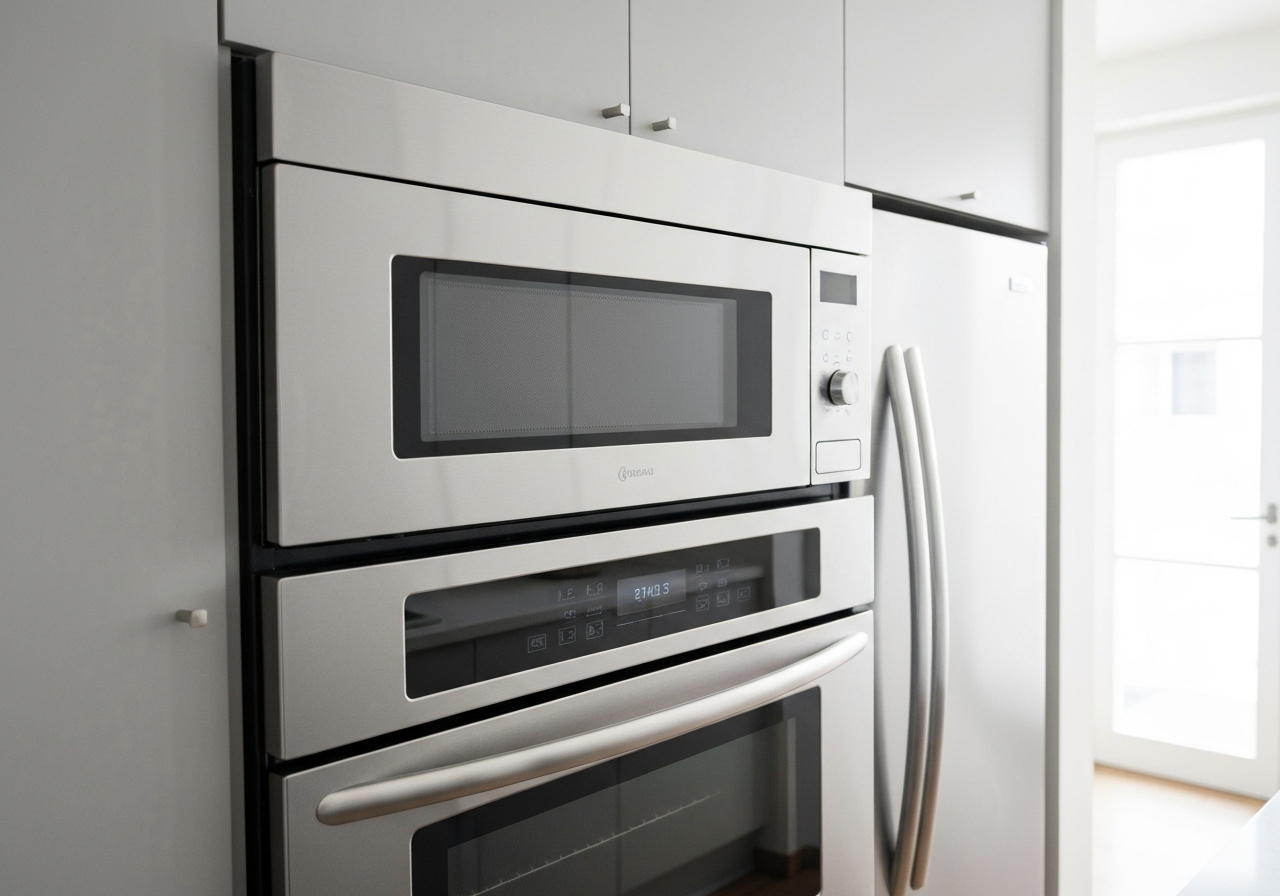
Microwaves are a staple in almost every kitchen, offering convenience and speed for cooking and reheating. But like all appliances, they have a limited lifespan. On average, a microwave lasts about 7 to 10 years. However, with proper care and maintenance, you can extend its life and avoid premature breakdowns. Here are some essential tips from Santana's Appliance Repair to help you keep your microwave running smoothly for years to come.
1. Keep It Clean
Food splatters and spills inside the microwave aren't just unsightly; they can actually damage the appliance over time. When food particles are left inside, they absorb energy during the cooking process. This can cause the microwave to work harder, leading to overheating and potential damage to the internal components.
Tip: Wipe down the interior of your microwave regularly with a damp cloth or sponge. For stubborn stains, heat a bowl of water with a few slices of lemon for a few minutes. The steam will loosen the grime, making it easy to wipe away.
2. Use Microwave-Safe Containers
Using the wrong materials in your microwave can cause serious damage and even pose a fire hazard. Metal, aluminum foil, and certain plastics can cause sparking (arcing), which can destroy the magnetron, the core component that generates microwaves.
Tip: Always use containers labeled "microwave-safe." Glass, ceramic, and specific plastics are generally safe. Avoid putting anything with metallic trim or foil in the microwave.
3. Don't Run It Empty
Running a microwave without anything inside is one of the quickest ways to ruin it. When the microwave is empty, the energy it produces has nowhere to go and is absorbed by the appliance's own components, such as the magnetron. This can cause the microwave to overheat and fail completely.
Tip: Always double-check that there is food or liquid inside before starting the microwave. If you need to test the appliance, place a glass of water inside to absorb the energy.
4. Treat the Door Gently
The door of your microwave is more complex than it looks. It contains safety switches (interlocks) that ensure the microwave only operates when the door is securely closed. Slamming the door or pulling it open while the microwave is running can damage these switches, leading to costly repairs.
Tip: Always close the door gently and press the "Stop" or "Cancel" button before opening it to pause or end the cooking cycle.
5. Avoid Exceeding Weight Limits
The turntable and its supporting motor are designed to handle specific weight limits. Placing overly heavy items in the microwave can strain the motor and cause the turntable to stop rotating properly.
Tip: Check your microwave's manual for weight limits. If you're cooking a large or heavy dish, consider using a conventional oven instead.
6. Protect Against Power Surges
Power surges can happen unexpectedly and can fry the electronic components of your microwave. This is especially true during thunderstorms or if you experience frequent power outages.
Tip: Plug your microwave into a surge protector rather than directly into the wall outlet. This simple step can save your appliance from sudden electrical spikes.
When to Call a Professional
Even with the best care, microwaves can still experience issues over time. If your microwave stops heating, the turntable stops spinning, or it makes unusual noises, it's best to call a professional. Microwaves contain high-voltage components that can be dangerous to handle without proper training.
At Santana's Appliance Repair, we're here to help you keep your microwave and other appliances in top condition with professional microwave repair. Serving Round Rock, Pflugerville, Hutto, and Georgetown, our expert technicians are ready to diagnose and fix any issue. Contact us today to schedule your repair!